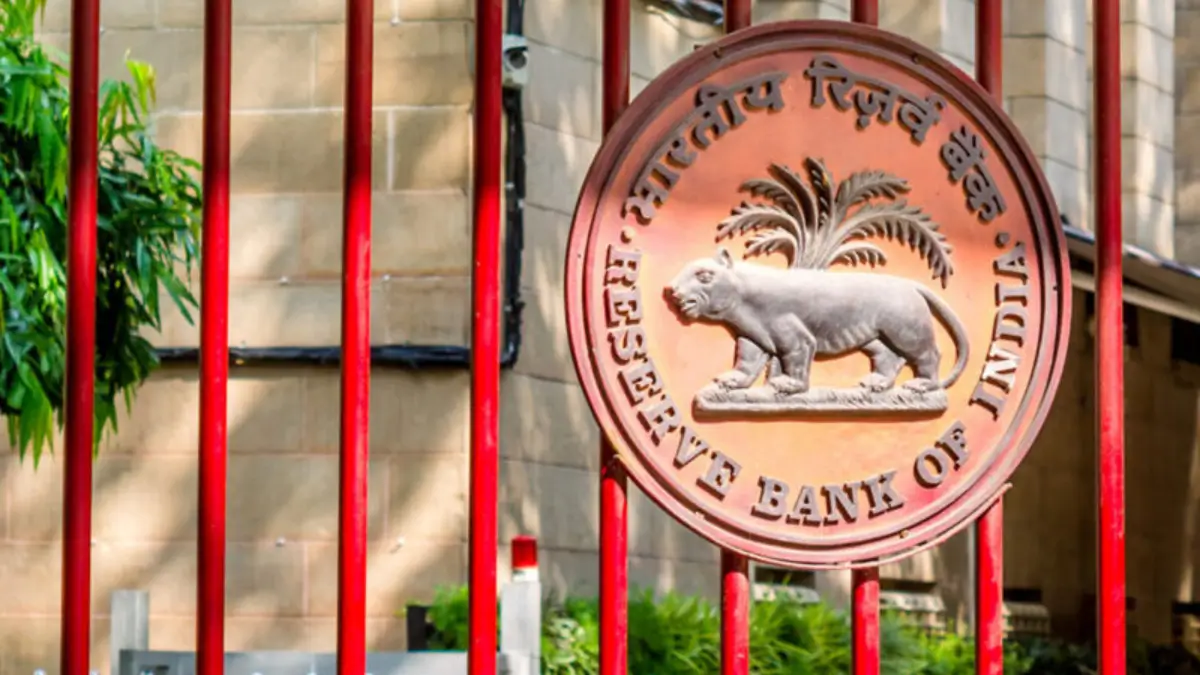
If you made any mistake while filling out the RBI Office Attendant application form for the 2025 Panel Year, there is no need to worry. The Reserve Bank of India has opened a 2-day edit window that allows candidates to correct or update certain details in their submitted application. This correction facility will be available from 10 February 2026 to 11 February 2026, and candidates should make the necessary changes within this limited time.
RBI Office Attendant Edit Window 2026
The correction window will be available for only two days, during which candidates can update the allowed details and re-submit their application after paying the applicable fee. It is important to note that only selected fields can be edited, while the rest will remain unchanged. This is the final opportunity to rectify any errors before the examination, which is scheduled to be held on 28 February and 1 March 2026.
RBI Office Attendant Edit Window 2026: Notice
RBI Office Attendant Edit Window Link
Candidates can use the RBI Office Attendant edit facility to make permitted changes to their application within the given time period. To ensure a smooth correction process, applicants should log in with their registration details and review the form carefully before submitting the updates. As the edit window is open for a limited time, it is recommended to complete the process early to avoid any last-minute problems.
RBI Office Attendant Edit Window: Click Here to Access
Fields Allowed for Modification in RBI Office Attendant Application Form
RBI allows corrections only in the following 5 fields during the edit window:
| S. No. | Modifiable Field | Details |
| 1 | Exam Centre | Change your preferred examination centre location |
| 2 | Father’s Name | Correct spelling or name format |
| 3 | Mother’s Name | Correct spelling or name format |
| 4 | 10th/12th Percentage | Update academic percentage marks |
| 5 | Category | Bhopal Office candidates only – Change category in view of new SC/EWS/EXS vacancies as per Corrigendum dated January 29, 2026 |
Details That Cannot Be Edited in RBI Office Attendant Application Form
The following data from your original application cannot be changed during the edit window:
- Name
- Email ID
- Mobile Number
- Correspondence Address
- Permanent Address
RBI Office Attendant Correction Fee
A correction fee is applicable for candidates who wish to update their form.
| Aspect | Details |
| Fee Amount | ₹200/- (inclusive of GST) |
| Applicable To | All candidates (uniform fee across all categories) |
| Exemption | Candidates applying under the Bhopal Office are exempt from the correction fee |
| Refund Policy | Non-refundable – Fee will not be refunded or adjusted under any circumstances |
| Payment Mode | Online payment through the edit window portal |
Step-by-Step Guide: How to Edit RBI Office Attendant Application
Follow these steps to complete the correction process smoothly:
- Visit the official recruitment page and open the Edit Window link.
- Log in using your registration credentials.
- Review the application carefully and make necessary corrections in the permitted fields.
- Pay the correction fee to proceed with resubmission.
- Verify all updated details before final submission, since no further edits will be allowed.
- Download the revised application for future reference.
Can You Edit the RBI Office Attendant Application More Than Once?
No. The application form can be edited only once during the correction window. After final submission, no further changes will be allowed, so candidates should review all details carefully before submitting the updated form.
Key Points to Remember Before Editing the Application Form
- The edit window is available for a limited period, so make changes well before the deadline.
- Only selected fields are allowed to be modified; other details will remain locked.
- The application can be edited only once, and no changes are permitted after final submission.
- A correction fee of ₹200 is applicable, except for eligible Bhopal Office candidates.
- Carefully verify all updated details before submitting, as no further correction opportunity will be provided.
RBI Office Attendant Edit Window Guidelines
- One-Time Correction Only
- Latest Application Considered
- If you submitted multiple applications earlier, edit the latest application only
- No Changes After Window Closes
Special Instructions for Bhopal Office Candidates
If you applied for the Bhopal Office vacancies, pay special attention:
| Aspect | Details |
| New Vacancy Categories | SC, EWS, and EXS categories are now available |
| Reference | Corrigendum dated January 29, 2026 |
| Benefit | Can change your category to avail these new vacancies |
| Fee | Exempt from the ₹200 correction fee |
| Related Post | |
| RBI Office Attendant Previous Year Paper | RBI Office Attendant Cut Off |
| RBI Office Attendant Salary | RBI Office Attendant Syllabus |

 Daily Current Affairs Quiz 24th March 20...
 IBPS PO Syllabus and Exam Pattern 2026 R...
 Top 50 Banking Awareness Questions Asked...