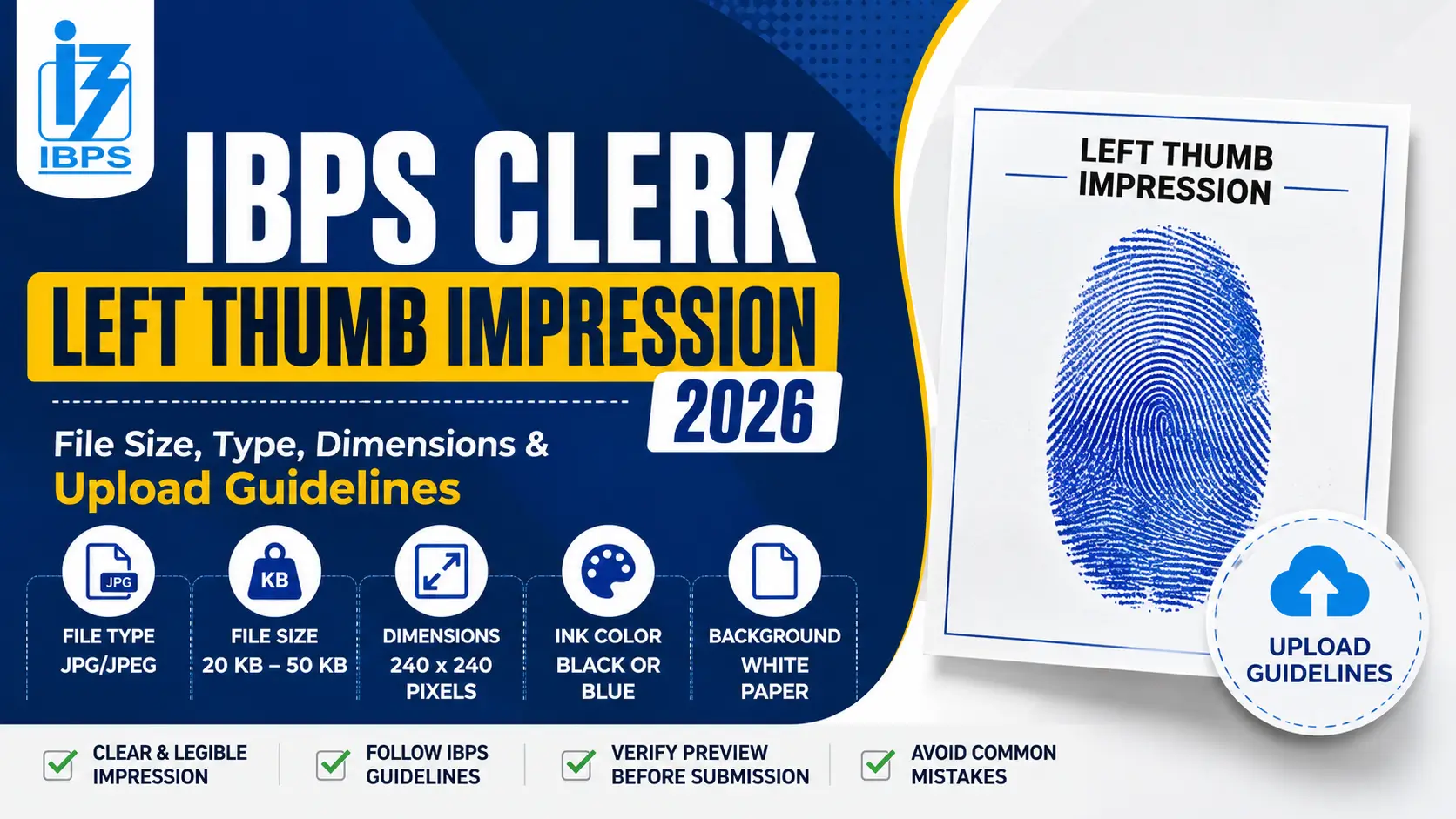
The IBPS Clerk Left Thumb Impression 2026 is one of the mandatory documents that candidates must upload while filling out the IBPS Clerk Apply Online 2026 form. Many applications are rejected due to incorrect image size, unclear thumb impressions, or uploading the wrong file format. Therefore, candidates must ensure that the thumb impression meets the specifications prescribed by IBPS before submitting the application form.
IBPS Clerk Left Thumb Impression 2026
If you are among those candidates who wish to apply for the IBPS Clerk Recruitment 2026, you will need to have your left thumb impression taken. Therefore, this article provides information on the IBPS Clerk Left Thumb Impression 2026 file size, dimensions, format, upload guidelines, common mistakes, and troubleshooting tips to help candidates complete the application process without any errors.
IBPS Clerk Left Thumb Impression 2026: Overview
| Particular | Details |
| Document Required | Left Thumb Impression |
| Thumb Used | Left Thumb (Right Thumb only if left thumb is unavailable) |
| File Format | JPG/JPEG |
| File Size | 20 KB – 50 KB |
| Image Dimensions | Approximately 240 x 240 pixels at 200 DPI |
| Background | White paper |
| Impression Color | Black or Blue Ink |
| Image Quality | Clear and legible |
IBPS Clerk Left Thumb Impression
Candidates must upload the thumb impression exactly as per the IBPS guidelines.
- Thumb to be used: Left Thumb Impression
- File Format: JPG/JPEG
- File Size: 20 KB to 50 KB
- Dimensions: Around 240 × 240 pixels
- Resolution: 200 DPI
- Ink Color: Black or Blue
- Background: Plain white paper
- Image Quality: Sharp, clear, and not blurred
How to Take the IBPS Clerk Left Thumb Impression?
Candidates should follow these simple steps while taking the thumb impression:
- Wash and dry your hands properly.
- Use black or blue stamp ink.
- Take a clean white sheet of paper.
- Press the left thumb gently on the ink pad.
- Place the thumb vertically on the white paper.
- Avoid smudging or excessive pressure.
- Scan or click a clear picture of the thumb impression.
- Crop only the thumb impression.
- Save the file in JPG/JPEG format.
- Compress the image if its size exceeds 50 KB.
Important Guidelines for Uploading the Left Thumb Impression
Before uploading the thumb impression, candidates should ensure the following:
- Upload only the left thumb impression.
- If the left thumb is permanently unavailable, use the right thumb and mention the reason if required.
- Do not upload a blurred or faded image.
- The thumb impression should not be partially visible.
- Do not use edited, distorted, or digitally created images.
- Ensure there are no shadows, folds, or stains on the paper.
- Upload the image only in JPG/JPEG format.
- Verify the preview before final submission.
Common Reasons for Thumb Impression Rejection
Many candidates face application rejection due to the following mistakes:
- Uploading the right thumb instead of the left.
- File size exceeding 50 KB.
- File size less than 20 KB.
- Wrong file format such as PNG or PDF.
- Blurred or unclear thumb impression.
- Cropped image with missing thumb area.
- Low-resolution scan.
- Smudged ink impression.
- Uploading another person’s thumb impression.
How to Resize the IBPS Clerk Left Thumb Impression?
If your image does not meet the required specifications, you can resize it using any photo editing software or online image compression tools. Make sure:
- File size remains between 20 KB and 50 KB.
- Format remains JPG/JPEG.
- Image quality is not reduced significantly.
- The thumb impression remains clearly visible after compression.








 Daily Current Affairs and GK Updates (10...
 IBPS Clerk Prelims Expected Cut Off 2026...
 IBPS Clerk Prelims Exam Analysis 2026, 1...