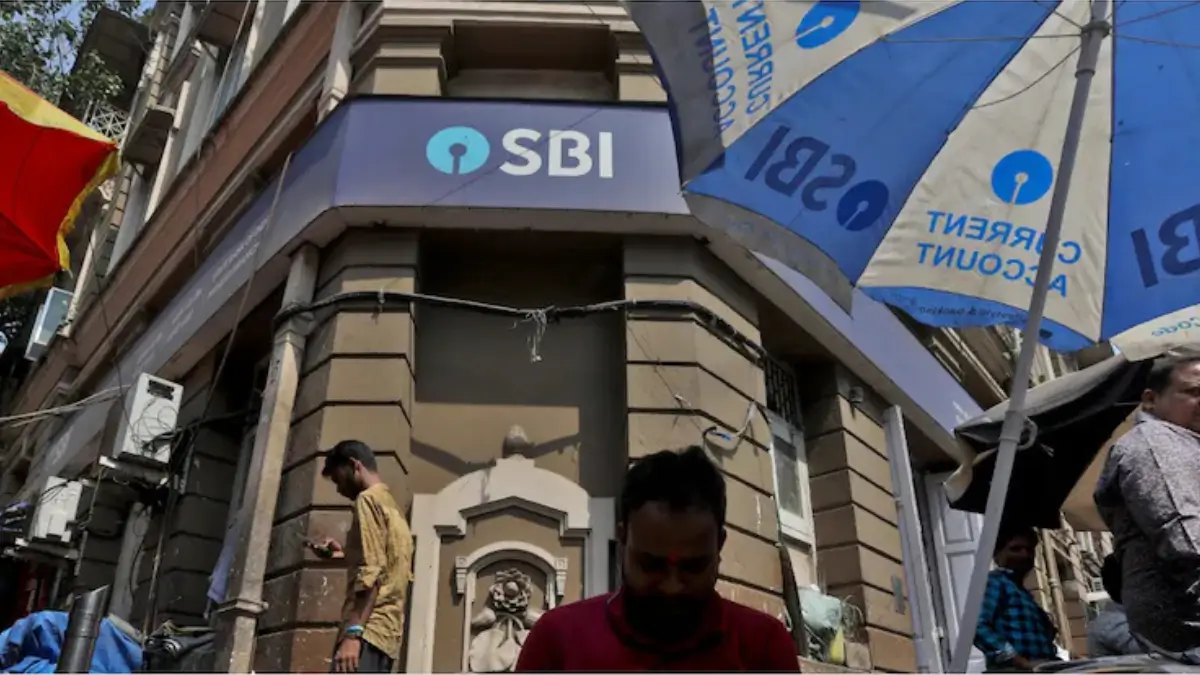
The SBI PO Apply Online 2026 window is closing soon, with the last date to submit the application being 8 July 2026. The State Bank of India (SBI) is inviting online applications for 1,500 Probationary Officer (PO) vacancies, and eligible candidates who have not yet applied are advised to complete the registration process immediately through the official SBI Careers portal to avoid last-minute rush and technical issues.
SBI PO Apply Online 2026 Starts
Candidates are encouraged to prepare all the necessary details before starting the application process. Interested candidates make sure to verify the eligibility criteria, age limit, educational qualifications, and keep the required documents ready as specified in the official notification.
SBI PO Apply Online 2026 Overview
| Particulars | Details |
| Organization | State Bank of India (SBI) |
| Post Name | Probationary Officer (PO) |
| Exam Name | SBI PO 2026 |
| Total Vacancies | 1500 |
| Application Mode | Online |
| Registration Start Date | 18 June 2026 |
| Last Date to Apply | 8 July 2026 |
| Application Fee | ₹750 (Gen/OBC/EWS) |
| Official Website | sbi.bank.in |
SBI PO Apply Online 2026 Link
The SBI PO Online Application Link has been activated on the official SBI careers website or candidates can apply by directly click on the given link. Candidates must register themselves, upload the required documents, pay the application fee, and submit the application form within the prescribed timeline.
SBI PO Apply Online 2026 Active
Note: Candidates can edit or modify their application form during the online registration period from 18 June to 8 July 2026. However, once the application is finally submitted, no further changes will be allowed. Therefore, candidates should carefully verify all details before final submission.
Steps to Apply Online for SBI PO 2026
Candidates can follow the step-by-step process given below to complete the SBI PO application form:
Step 1: Registration
Visit the official SBI careers portal and click on the “Recruitment of Probationary Officers” link. Complete the registration process by providing your basic details.
Step 2: Fill the Application Form
Log in using the registration credentials and enter personal, educational, and communication details carefully.
Step 3: Upload Required Documents
Upload scanned copies of the following documents:
Passport-size Photograph
Signature
Left Thumb Impression
Handwritten Declaration
Step 4: Pay Application Fee
Complete the payment through Debit Card, Credit Card, Internet Banking, or UPI.
Step 5: Submit the Application
Review all details carefully and submit the application form. Download and save a copy of the final application form for future reference.
Documents Required for SBI PO Apply Online 2026
Before applying for the SBI PO 2026, candidates should keep all the necessary documents ready in the prescribed format. Having these documents prepared in advance will help ensure a smooth and error-free registration process.
Essential Documents Required
- Recent Passport-Size Photograph
- Candidate’s Signature
- Left Thumb Impression
- Handwritten Declaration (in English)
- Graduation Marksheet/Degree Certificate
- Valid Photo Identity Proof (Aadhaar Card, PAN Card, Voter ID, Passport, Driving Licence, etc.)
- Caste Certificate (for SC/ST/OBC candidates, if applicable)
- EWS Certificate (if applicable)
- PwBD Certificate (if applicable)
- Ex-Servicemen Certificate (if applicable)
SBI PO 2026 Photo, Signature & Document Upload Guidelines
Before filling out the SBI PO 2026 application form, candidates must keep scanned copies of their photograph, signature, left-hand thumb impression, and handwritten declaration ready in the prescribed format. Candidates will also be required to capture and upload a live photograph through a webcam or mobile phone during registration.
Handwritten Declaration
Candidates must write the following declaration in English on white paper using black ink:
“I ________ (Name of the candidate), ________ (Date of Birth) hereby declare that all the information submitted by me in the application form is correct, true and valid. I will present the supporting documents as and when required. The signature, photograph and left-hand thumb impression is of mine.”
| Particulars | Details |
| Language | English Only |
| Ink Colour | Black Ink |
| Dimensions | 800 x 400 pixels |
| File Size | 50 KB – 100 KB |
| Format | JPG/JPEG |
Note: Declaration written in CAPITAL LETTERS will not be accepted.
Photograph Specifications
| Particulars | Details |
|---|---|
| Photograph Type | Recent passport-size colour photograph |
| Background | Light-coloured, preferably white |
| Dimensions | 200 x 230 pixels |
| File Size | 20 KB – 50 KB |
| Format | JPG/JPEG |
Important Points:
- Look directly at the camera with a clear face.
- Avoid shadows, sunglasses, caps, or blurred images.
- Religious headwear is allowed if the face is fully visible.
- Keep copies of the uploaded photograph for future stages.
Live Photo Capture
Candidates must also upload a live photograph during registration by:
- Using a webcam, or
- Scanning a QR code through a mobile phone and uploading the clicked image.
Signature Specifications
| Particulars | Details |
| Ink Colour | Black Ink |
| Dimensions | 140 x 60 pixels |
| File Size | 10 KB – 20 KB |
| Format | JPG/JPEG |
Note: Signature in CAPITAL LETTERS will not be accepted.
Left-Hand Thumb Impression Specifications
| Particulars | Details |
| Ink Colour | Black or Blue Ink |
| Dimensions | 240 x 240 pixels |
| File Size | 20 KB – 50 KB |
| Format | JPG/JPEG |
Important: Candidates who do not have a left-hand thumb impression may use their right-hand thumb impression while submitting the online application. The uploaded thumb impression should be clear and in the prescribed format.
Important Instructions
- Upload each document in its respective field only.
- Ensure all images are clear and properly visible.
- The photograph, signature, thumb impression, and declaration must belong to the candidate only.
- Applications with unclear or incorrect uploads may be rejected.
- Signature and photograph must match the documents produced during the examination process.
- Take a printout of the submitted application form for future reference.
Scanning Requirements
- Scanner resolution: Minimum 200 DPI
- Colour Mode: True Colour
- File Format: JPG/JPEG
- Crop and resize images according to the prescribed dimensions before uploading.
SBI PO Application Fee 2026 Category-wise
| Category | Fee |
| General/OBC/EWS | ₹750 |
| SC/ST/PwBD | Nil |
SBI PO Service Bond 2026
Candidates selected as Probationary Officers (PO) will be required to execute a service bond of ₹2 lakh at the time of joining the Bank. The bond requires the candidate to serve State Bank of India for a minimum period of three years. If a candidate resigns from the Bank before completing the mandatory service period, the Bank may invoke the bond and recover the applicable amount as per its rules.
Important Instructions Check Before Apply
- Use a valid email ID and mobile number during registration.
- Ensure that all uploaded documents meet SBI’s prescribed specifications.
- Verify all details before final submission.
- Keep the registration number and password safe for future login activities.
- Apply before the deadline to avoid last-minute server issues.
Can You Edit the SBI PO Application Form After Submission?
Once the application form is submitted, candidates usually cannot make changes, as the State Bank of India does not generally provide a correction window after final submission.
To avoid errors, applicants should carefully review all details before submitting the form.
Key points to remember:
- No major changes are allowed after final submission
- Details like name, DOB, category, and education should be checked carefully
- Uploaded documents must meet the prescribed format and size
- Payment confirmation should be verified before final submission
- Keep a copy of the submitted form for future reference
- If any update or correction facility is introduced, it will be officially notified on the SBI recruitment portal.
Common Mistakes to Avoid While Filling SBI PO Application Form
While applying for SBI PO 2026, even small errors can lead to rejection or delays. Candidates must be extra careful while filling out the form and uploading documents.
- Entering incorrect personal details such as name, DOB, or category
- Uploading blurred or incorrectly sized photograph and signature
- Using an inactive email ID or mobile number
- Selecting wrong educational or qualification details
- Waiting for the last date, leading to server issues
- Not previewing the application form before final submission
- Mismatch between documents and information filled in the form
- Payment failure or not confirming successful fee submission





 How To Write An Essay For IBPS PO Mains ...
 SBI PO Interview Dress Code, What Should...
 Regional Languages in IBPS RRB PO and Cl...